Product
How a run works
A document goes in. Braille reads it, fills your schema, matches live records, writes the result and logs every step.
- 1
Arrive
Upload a file, forward it to the workspace inbox, or post it by webhook.
- 2
Read
Braille reads the PDF, image or spreadsheet, whatever the layout, and finds the fields you asked for.
- 3
Fill
Every value lands in the schema you defined, ready to check before anyone opens the file.
- 4
Match
The vendor, customer or job is matched to the record that already exists in your connected app.
- 5
Write
The workflow writes the outcome as a bill, a contact or a row, with the app's real IDs.
- 6
Approve and audit
An approval step can sit in front of any write, and an audit trail sits behind every run.
Inside the app
See each stage of a run
Four screens from the product design and two illustrations from its storyboard, one stage per tab.
One workspace per job
A workspace holds the documents, schema and connected apps for one kind of work. Solo has one workspace. Team has as many as you need, open to the whole org, plus one with Business-level access controls. Business makes every workspace whole-org or invite-only.
Workspace cards and groups from the dashboard.
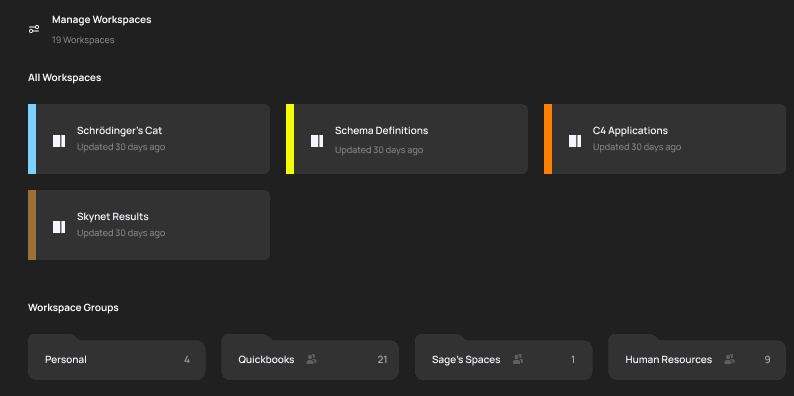
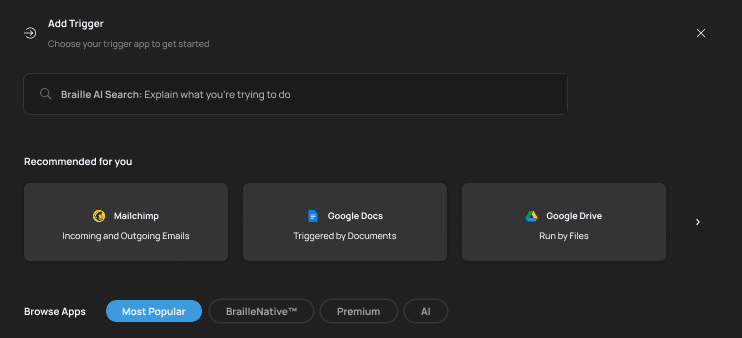



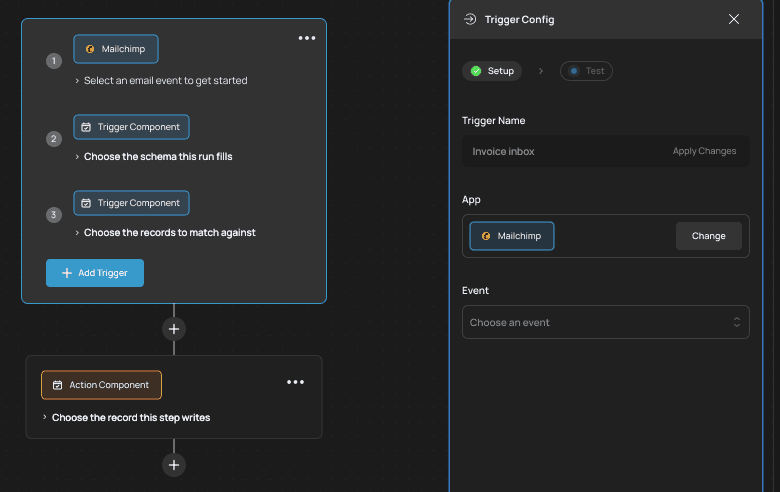
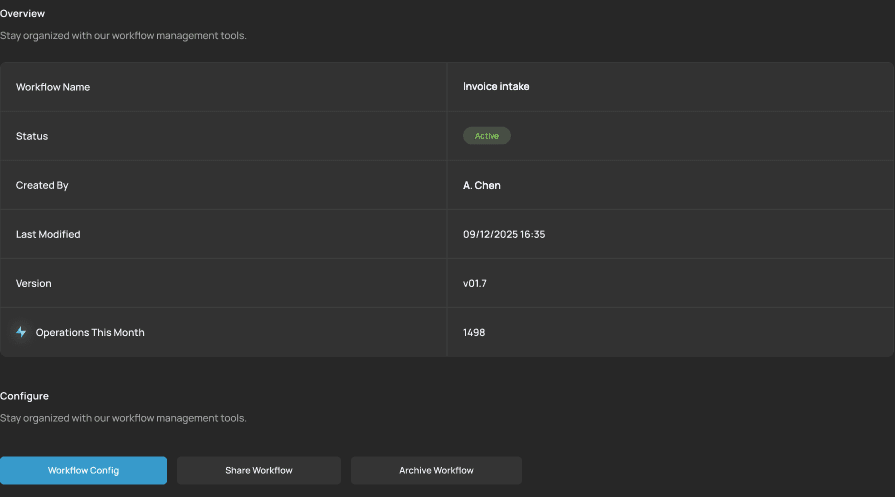
Screens from the product design.
An approval in front of any write you choose. An audit trail behind every run.
Usage
What a run costs
A standard run counts a half
A run that reads a document and fills the schema without touching a connected app counts half a workflow against your monthly allowance.
An app-workflow counts one
A run that matches against or writes records in a connected app counts one workflow. Allowances are 200, 1,000 and 6,000 a month.
Duplicates never bill, our-fault failures are free
A resubmitted document with the same input hash is never billed. A run that fails because of Braille is free and re-run at our cost.
Your next invoice can end as a bill in QuickBooks, approved and done.
Plans from $49 a month on annual billing.